
Spatial
10X Visum HD and Xenium have arrived and are available at the Genomics Core.
Our Excel order form for Visium is here, Xenium is here, and can be emailed to Genomics@Dal.ca
Sample preparation guidelines for Visium can be found here, and Xenium is here.
Visium
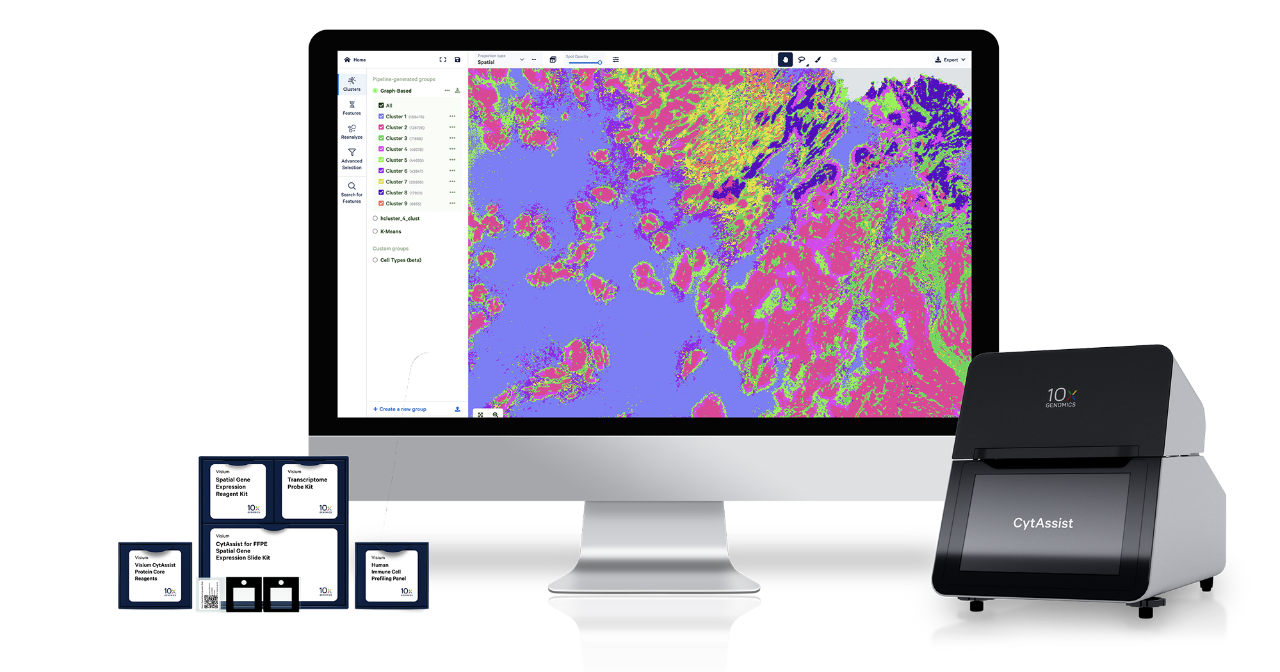
The Visium platform delivers unbiased, whole transcriptome spatial gene expression analysis at single cell scale with unmatched spatial data quality and offers a flexible assay portfolio to study a broad range of tissues.
Xenium
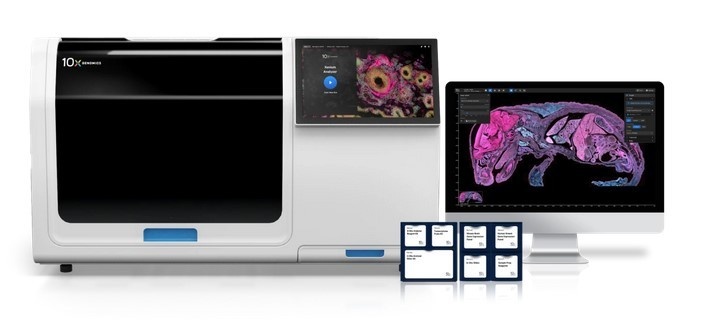
The Xenium platform delivers high-plex in situ at subcellular resolution with nanometer precision and offers a complete solution, including comprehensive panels, to achieve fast and robust single cell spatial insights.
The two spatial platforms on offer allow a PI to tailor their research for specific end goals.
If you're generating a hypothesis and want to target many genes the Visium is the best option. It allows the capture of many genes (20,000 for human) and has a large surface area available.
However, if you're testing a hypothesis and want fewer genes (up to 5000 + a custom panel), and need single cell resolution for a smaller area, then the Xenium is a more suitable option.
If you're a Dal researcher, we'll work with you to have our friends in the Histology Core lab help you to prepare your tissue samples for the spatial platforms.
Data Analysis
Think of these as different layers of the 10x Genomics ecosystem: one for processing (Space Ranger), one for visualizing (Loupe), and one for subcellular spatial analysis (Xenium Explorer).
| Space Ranger | Loupe Browser | Xenium Explorer | |
| Primary Use | Data Processing & Pipeline | Interactive Visualization | Subcellular Spatial Exploration |
| Platform | Linux (Command Line) / Cloud | Windows & macOS (Desktop) | Windows & macOS (Desktop) |
| Input Data | Raw FASTQ & Tissue Images | .cloupe files | .xenium files / In situ images |
| Key Output | Feature-barcode matrices, QC | Clusters, Gene Lists, Plots | Cell segmentation, ROI exports |
| Technology | Visium (Spatial Transcriptomics) | All 10x (Chromium & Visium) | Xenium (In Situ) |
You can download the Xenium Explorer here, Loupe Browser here, and Space Ranger here.
10x Space Ranger: The "Heavy Lifter"
Space Ranger is a suite of pipelines rather than a visual application. It is the spatial equivalent of Cell Ranger.
What it does: It takes raw sequencing data (FASTQs from your Illumina runs) and brightfield/fluorescence microscope images. It aligns the reads to the reference genome and maps them back to the specific "spots" on the Visium slide.
Key Pipeline: spaceranger count is the workhorse that performs alignment, tissue detection, and UMI counting.
Role in your workflow: This is the tool that generates the data you actually look at in the other two programs.
Loupe Browser: The "Interactive Storyteller"
Loupe Browser is a desktop visualization tool designed for researchers who want to explore their data without writing code.
What it does: It allows you to visualize gene expression patterns directly on top of your tissue histology images. You can click on clusters, find differentially expressed genes, and create high-resolution figures for publications.
Versatility: While Space Ranger is just for Visium (spatial), Loupe Browser can open data from all 10x platforms, including Chromium single-cell (scRNA-seq), ATAC-seq, and V(D)J immune profiling.
Manual Tasks: You use Loupe for Manual Alignment if Space Ranger’s automated image-to-spot alignment fails.
Xenium Explorer: The "High-Res Microscope"
While Visium (Space Ranger) provides "spots" of transcriptomic data, Xenium provides subcellular resolution.
What it does: It allows you to zoom in from an entire tissue section down to individual RNA molecules (represented as dots) within a single cell.
Subcellular Detail: It handles the massive datasets generated by the Xenium Analyzer, allowing you to see exactly where transcripts are located relative to the nucleus and cell membrane.
Workflow: Unlike Space Ranger (which you run yourself), Xenium data is largely processed on-instrument. You take the output and open it directly in Xenium Explorer to begin your analysis.